Before you start
- A current Chrome or Edge browser is recommended
- A microphone allowed by your browser and operating system
- Headphones to reduce speaker echo
- A short Dub Pack for the first round
Account note: Local Mod play does not require an account. An account is required for Workshop subscriptions, ratings, uploads, and account benefits.
Choose how to add a Dub Pack
Workshop Subscribe and install
Sign in, open Workshop, choose a Dub Pack, and select Subscribe. Return to the PLAY home screen, open Mods, and wait for the pack to finish installing in this browser. There is no separate file download for a Workshop subscription. Use Refresh Mods if a subscription or update has not appeared.
Local Import
Open Mods and use Import Mod for a ZIP or folder already on your device. Local play works without an account. Every player must import the same local pack for Multiplayer because Voxalike cannot copy a private local ZIP from the host.
Play a Single Player round
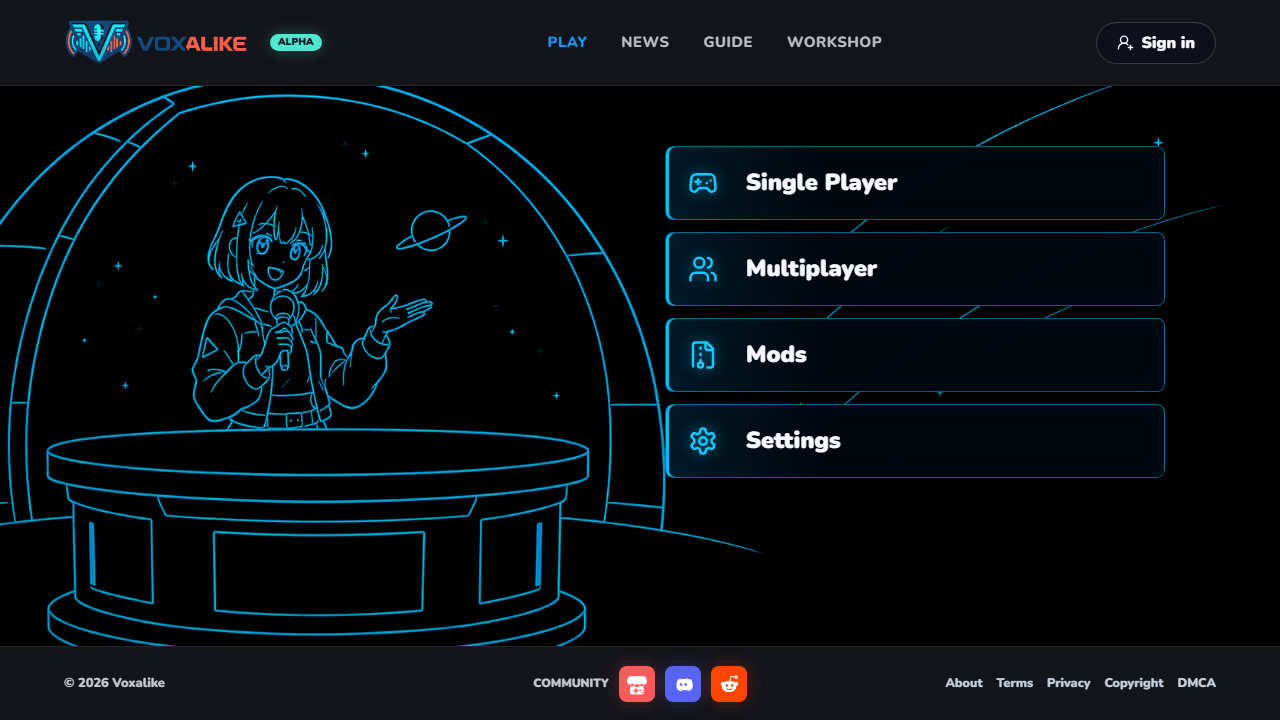
- Open PLAY and choose Single Player. Expected result: the game asks you to select an installed or local Dub Pack. If none appears, return to Mods and use Refresh Mods or import a local pack.
- Select a short scene and run Mic Check in Settings. Expected result: your normal voice is detected without clipping. If the check is silent, open the microphone setup guide.
- Record the displayed line. Speak after the get-ready cue. Replay or Retry replaces a weak take; Quick Jump or Skip is available only where the current mode permits it.
- Review the finished dub. Let the Dub Premiere and result screen finish loading while the page stays visible.
- Choose an export. Use My Shorts Video, My Landscape Video, or My Audio Track. Video files are normally WebM. If rendering stalls, use Cancel & Retry and the export recovery guide.
Play with friends
- Choose Co-op or PVP. Co-op produces one shared dub for up to 12 players. PVP supports up to 8 players and offers Turn Battle or Parallel Race.
- Create a room and share the room code privately. Do not post a live room code in public support threads.
- Wait for the room Mod to finish installing for every player. If anyone remains on Installing room mod, follow the Refresh Mods recovery steps.
- Start only after everyone can Ready Up. Keep the room open during automatic reconnection and let every player save the result.
Recording and result controls
Record captures the current line. Replay lets you review it. Retry replaces that take. Skip or Quick Jump appears only where the mode permits it. On the result page, preview the full scene before choosing My Shorts Video, My Landscape Video, or My Audio Track.
5-minute quick checklist
- Use headphones
- Subscribe, then install in Mods
- Select the real microphone device
- Complete silence and speaking samples
- Record or retry each line
- Preview before export
- Keep the tab open during rendering
- Save video or audio before leaving
If the first round still fails
Record your browser name and version, operating system, game mode, pack source, the exact step that failed, and any visible error text. Never publish a room code, email, recording, or local filename. Start at the Troubleshooting Hub or contact the game team through voxalike.com.
Sources and changes
- Voxalike How to Play and FAQ, checked 2026-08-25
- 2026-08-25: Updated for v1.4.7 terminology, Workshop installation, Multiplayer formats, and result exports.